
Editing PDF is not easy. You need special apps and they are usually not free. There are solutions online but they are limited or not free.
We have tested https://www.sejda.com/ and think this is the right tool for you. It’s easy and has many options. You are limited to 3 actions per hour, but this is usually enough.
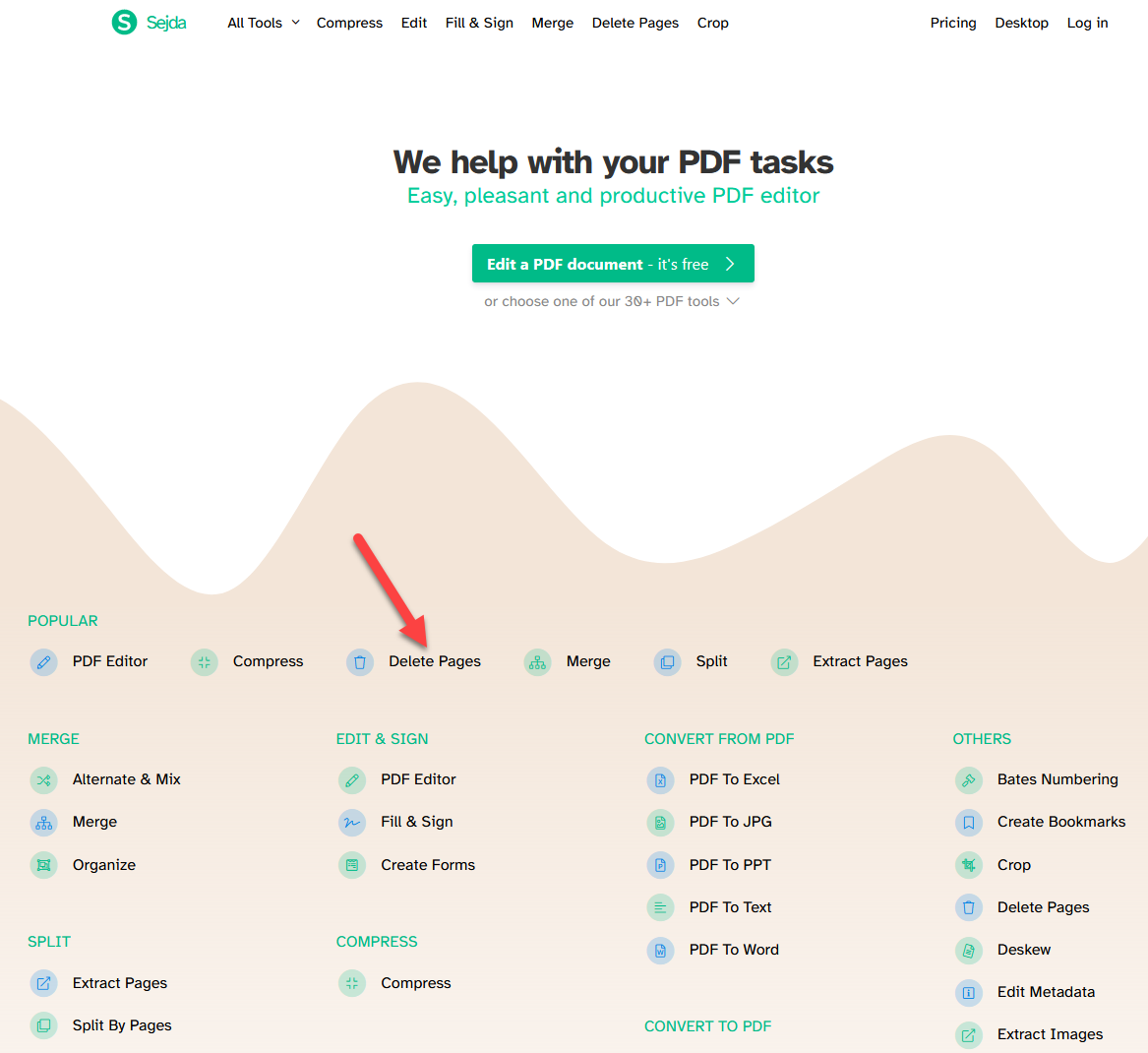
Delete PDF pages
- Visit https://www.sejda.com/
- Click on “Delete Pages”
- Click “Upload a PDF file” and choose the file you want to edit.
- Delete the pages you do not want, by hovering your mouse over them and click “Delete”.
- Click on “Apply Changes”
- Click on “Download” and download your new file.
- Check the file if it looks how it should.
- Upload your new file to yopsi.ch and let us print it!
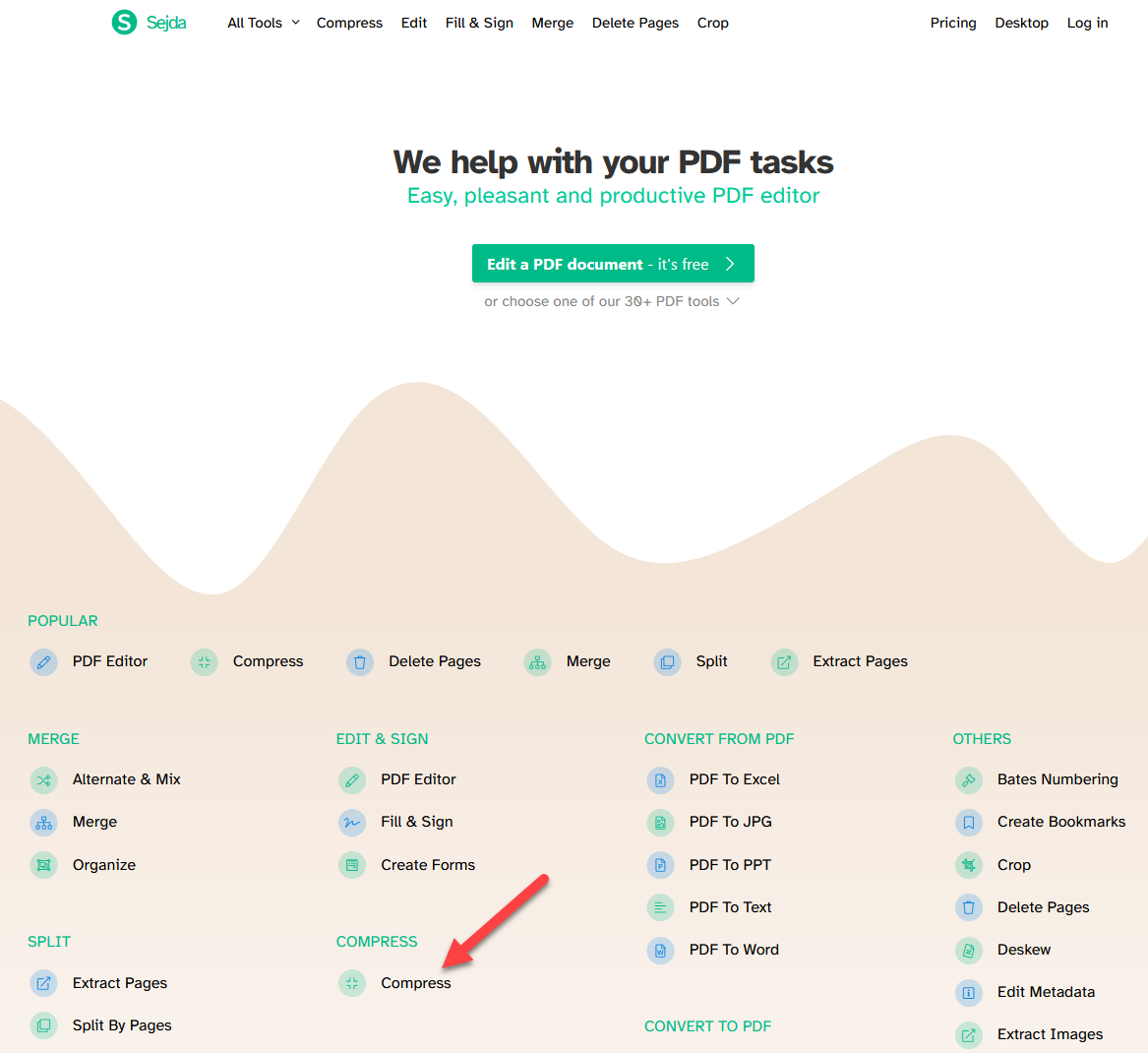
Compress PDF
- Visit https://www.sejda.com/
- Click on “Compress”
- Click on “Upload a PDF file” and choose the file you want to edit.
- Click on “Compress PDF”
- Click on “Download” and download your new file.
- Check the file if it looks how it should.
- Upload your new file to yopsi.ch and let us print it!
PDF – Multiple pages on one page
- Visit https://www.sejda.com/
- Click on “N-up”
- Click on “Upload a PDF file” and choose the file you want to edit.
- Choose how many pages you want on one page. (There are more options, if you need)
- Click on “N-up PDF”
- Click on “Download” and download your new file.
- Check the file if it looks how it should.
- Upload your new file to yopsi.ch and let us print it!
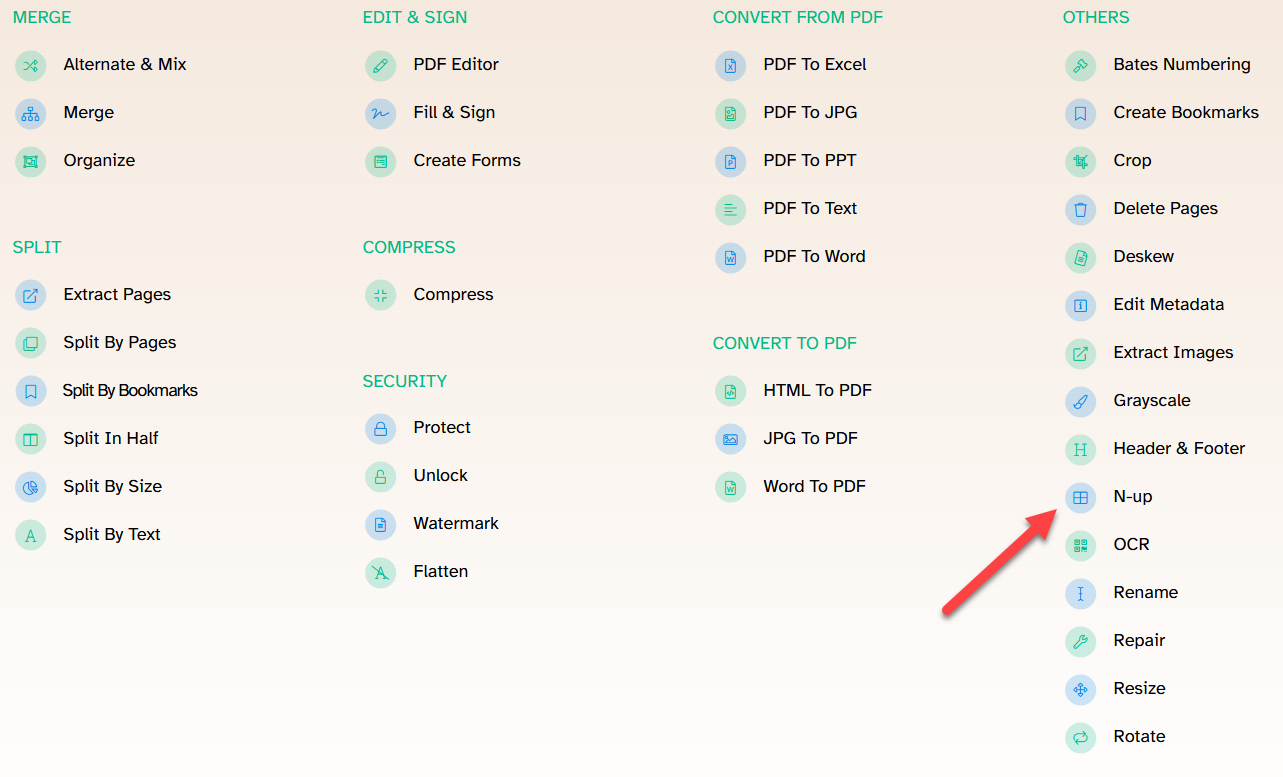
and much more
You can do much more on Sejda. This is how you quickly become a PDF-Super-User 😉


Recent Comments